What the first 24 hours decide about a YouTube video
The first day sets how far a video travels, but not everything in it matters. What is worth doing in that window and what changes nothing at all.
 By Leon Fischer
You hit publish, and for the next few hours the only thing you do is refresh. The day does carry real information, but almost none of it sits in the number everybody watches. Much of what you can see on day one is filtered through notification settings you do not control and reported back on a screen that is still catching up with itself. Here is what day one can honestly tell you, what it cannot tell you yet, and which of it is worth acting on.
Your subscribers hear about fewer of your uploads than you think
The part of your first day that runs on notifications is smaller than most people assume. YouTube's notifications page describes three settings a subscriber can pick: all notifications, personalized, and none. Personalized means notifications for some uploads, Shorts and live streams, and YouTube says the definition of personalized differs by user.
The same page states plainly that not every new upload will result in a notification. So a quiet first evening can mean the video did not land, and it can equally mean a large part of your subscriber list never heard it existed. The view counter cannot separate those two, but the traffic source report can, because it splits the same views by where they came from instead of adding them into one number.
The counter on the watch page is not a scoreboard yet
Two delays sit between what happened and what you can see. Early figures are provisional: YouTube's engagement metrics page says a count might seem frozen or not show the metrics you expect, that metrics are algorithmically confirmed, and that YouTube may temporarily slow down, freeze or change a count and discard low quality playbacks. It names watching the same video across several windows and tabs as its own example.
Hold that beside your hour three refresh: the number is still being checked, and part of what you added is the kind of playback being discarded. The second delay is the reporting. The overview report gives early insights into recent uploads and compares sixty minute and forty eight hour windows, but retention data typically takes one to two days to process. A view is counted the moment a video starts to play, so the counter moves before anyone has watched anything. The honest reading time for day one is the morning after.
Impressions only count the thumbnails YouTube itself showed
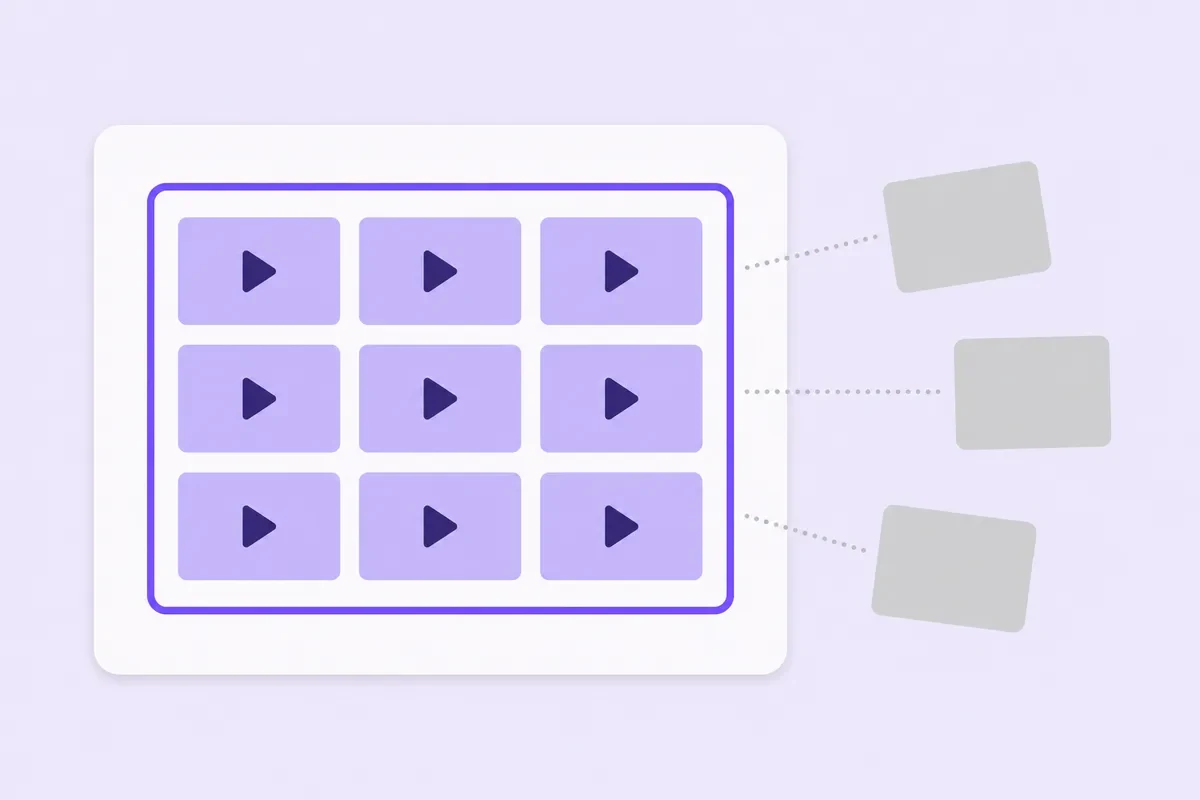
This quietly ruins more launch day diagnoses than anything else. An impression is counted when your thumbnail is shown for more than one second with at least half of it visible, and only on YouTube's own surfaces: search results, homepages, subscription feeds and video recommendations. It is not counted on external websites and apps, which explicitly covers links and embeds outside the YouTube site, and not on the YouTube mobile website, in the Kids or Music apps, or inside the player on cards and end screens.
You post the link to a mailing list, a group chat and two other profiles. Those people arrive and play the video, so they land in your view count while appearing nowhere in your impressions. Views climb, impressions sit still, and the click through rate on screen describes only the slice of the audience YouTube served a thumbnail to.
Two numbers, read in this order, give you the diagnosis
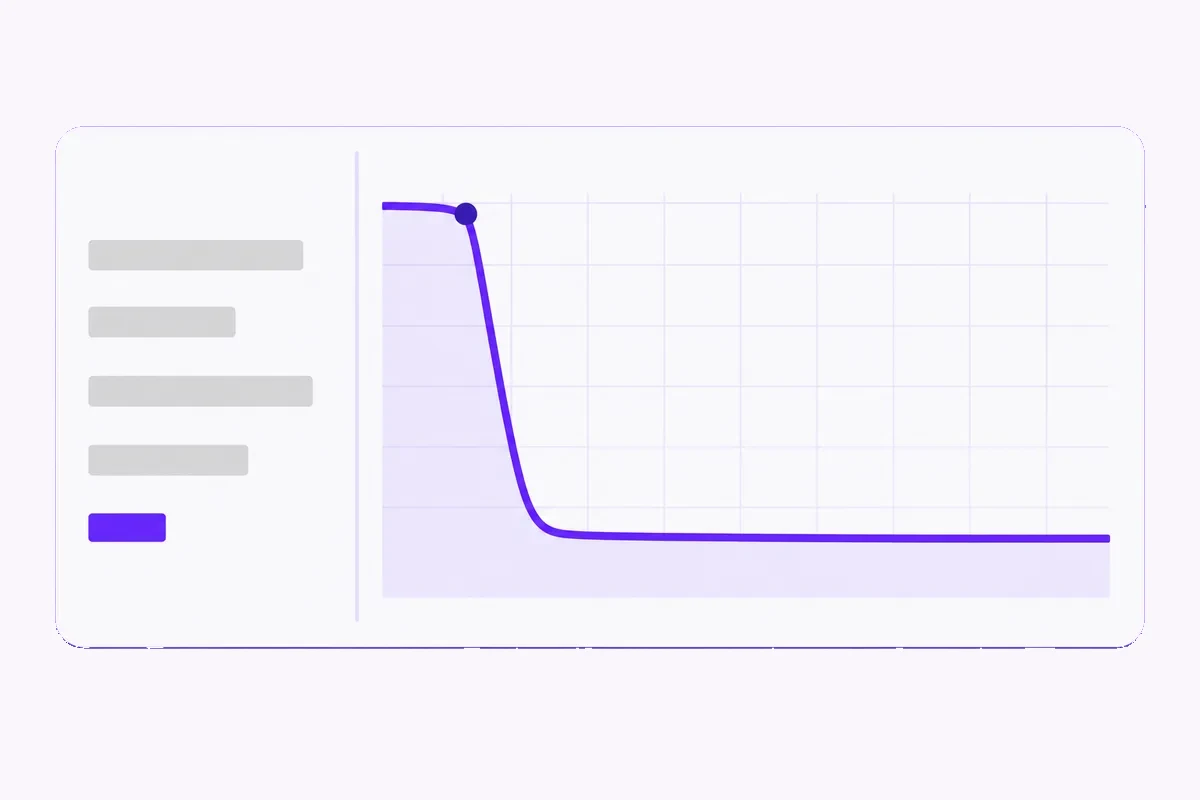
Once the morning after arrives, two figures do most of the work. First, click through rate against your own last five or six uploads and against nothing else. A rate that reads as weak on one channel is ordinary on another, which makes every quoted benchmark useless to you. Second, the retention curve. YouTube's key moments report reads it as four shapes: flat lines where people keep watching, slow declines where interest fades, spikes where a moment gets rewatched or shared, and dips where viewers skip or leave.
Put the two together and the answer falls out. Clicks below your normal range while the people who arrive stay to the end means the packaging is the problem, not the video. Clicks inside your range with a cliff in the first thirty seconds means the title promised something the opening does not deliver, and that fix is in the edit.
Change one thing, or hand the test to YouTube
If you are changing packaging by hand, change one element, write down the time, and leave the other alone for several hours. Swapping the title and the thumbnail together gives you a result you cannot attribute to either.
There is also a built in alternative. Studio can test up to three titles and thumbnails on a video, and the detail most people miss is what it optimises for: the result is based on watch time share, and YouTube says it optimises for overall watch time rather than metrics like click through rate. The winner is therefore not always the variant that pulled the most clicks.
The test needs advanced features turned on, runs from Studio on a computer, does not work on Shorts, and can take a few days or up to two weeks to settle. And if the title or thumbnail is changed while it runs, the test stops.
Comments are the only day one lever that reaches a person
Everything else here is reading. Replies are doing. Hearting a comment puts your avatar and a small red heart on it and sends that viewer a notification saying a channel owner loves their comment, subject to their own settings.
That is a real nudge back to the video, at the one moment when there are few enough comments to read all of them. Pinning is the other move: it holds one comment at the top, where it becomes the first text every later arrival reads.
Two notes from YouTube's own page. Pinning needs advanced features on the channel, and those can take up to twenty four hours after you turn them on to appear, which is a poor thing to discover on launch day. And a new pin replaces the previous one, so you have one slot rather than a stack. Spend it on a question people can answer in a line.
Things that look like day one levers and are not
Refreshing your own upload adds nothing you keep, and watching across several windows and tabs is exactly what YouTube describes as a low quality playback. Deleting and reuploading throws away whatever traction existed plus every link anyone has already shared, and restarts the same file from colder ground. Tags do very little for discovery and are not worth an hour of launch day.
Blasting the link into unrelated group chats brings in people who open it and leave, which drags your average view duration down at the precise moment you are trying to read it. Posting at one exact minute matters far less than posting while your audience is awake. None of these touch the retention curve, and that curve is what the next day's decision rests on.
When a count is worth paying for, and when it is not
Most of the time the honest answer to a flat first day is that you do not need to buy anything. What the video needs is the morning after, one changed element, and three more uploads behind it, and no purchased number produces any of those. There is a narrower case where a count does real work, and it is about how the page looks rather than how it performs: a video you send strangers to from outside YouTube, from a newsletter, a shop listing or a link in another profile, where landing on something that reads as unwatched costs you the click before the first frame plays.
If that is your situation, YouTube views is the page for the count a stranger reads first. Where the view figure is fine and the thumb under it is not, YouTube likes moves that row instead.
An empty comment section is a different problem again, and YouTube comments is the page for it. Everything across the YouTube services hub arrives in a single run rather than spread over a window. One thing to be straight about: YouTube's fake engagement policy is written against artificial inflation of metrics, and it says terminated accounts and subscribers identified as spam will not count toward your total number of subscribers or views, so nobody can honestly tell you a number is permanent.
Quick checklist
- Note whether you pushed the video from outside YouTube, since those views never appear in your impressions.
- Read the numbers the morning after, because retention data typically takes one to two days to process.
- Compare click through rate with your own last five or six uploads and with nothing else.
- Look at the first thirty seconds of the retention curve before you blame the thumbnail.
- Change either the title or the thumbnail and note the time, or run the built in test and touch neither while it runs.
- Answer the first wave of comments the same day, and keep your one pinned slot for a question.
Frequently asked
Is a video dead if the first 24 hours are slow?
A slow first day is not a verdict on the video. A slow first day mostly says the video did not land with people who already follow you, and since not every upload produces a notification, it may not even say that. Check its traffic sources again in two weeks before writing it off.
Should I change the thumbnail on day one or wait?
If clicks are clearly below your own range and the people who do arrive stay to the end, changing it on day one is reasonable, because you are not throwing away a good result. Note the time so the before and after stay readable. If you would rather not guess, the built in test compares up to three thumbnails and decides on watch time share, though it can take up to two weeks and stops if you edit the title or thumbnail while it runs.
Why does my view count look stuck?
YouTube says metrics are algorithmically confirmed, and that it may temporarily slow down, freeze or change a count and discard low quality playbacks while that happens. A counter sitting still for a few hours on a new upload is ordinary, and it is not a verdict on the video.
Do Shorts work the same way on day one?
No. Shorts are mostly watched in the Shorts feed, which YouTube describes as a never ending stream people scroll through, alongside search, the homepage, channel pages, subscriptions and notifications. The built in title and thumbnail test does not run on Shorts, and the thumbnail itself is a separate job, since YouTube says custom Shorts thumbnails are added from Studio on a computer by a verified account. The opening seconds carry the weight.
Does buying views help in the first 24 hours?
For diagnosis it hurts, because bought views land in the same figures you are trying to read and day one is the one clean look you get at your own audience. For appearance it can do a job, and that job is limited to how the page looks to a stranger arriving from outside. Order it after you have read the numbers rather than before.
I ordered against the wrong video. What now, and what does refill cover?
Write to support@mrfollows.com with your order ID and the address you actually meant, and you will hear back within 24 hours. The order page shows the exact address that was pasted for each item, so quote that in your message, and be aware that a wrong link supplied at checkout is not covered by the Money-Back Policy. Where a service offers refill, a count that falls back within 30 days of delivery is topped up at no charge, and that needs a video which is still public.
Sources
- YouTube Help: check your thumbnail impressions and watch time
- YouTube Help: how engagement metrics are counted
- YouTube Help: get an overview of channel performance
- YouTube Help: measure key moments for audience retention
- YouTube Help: A/B test titles and thumbnails
- YouTube Help: manage YouTube notifications
- YouTube Help: post and interact with comments
- YouTube Help: get started creating YouTube Shorts
- YouTube: fake engagement policy
Checked 2026-09-05