Reposts are distribution on SoundCloud, not vanity
A repost puts a track into somebody else's followers' feed, which makes it the distribution mechanic of the platform rather than a vanity number.
 By Ines Marchetti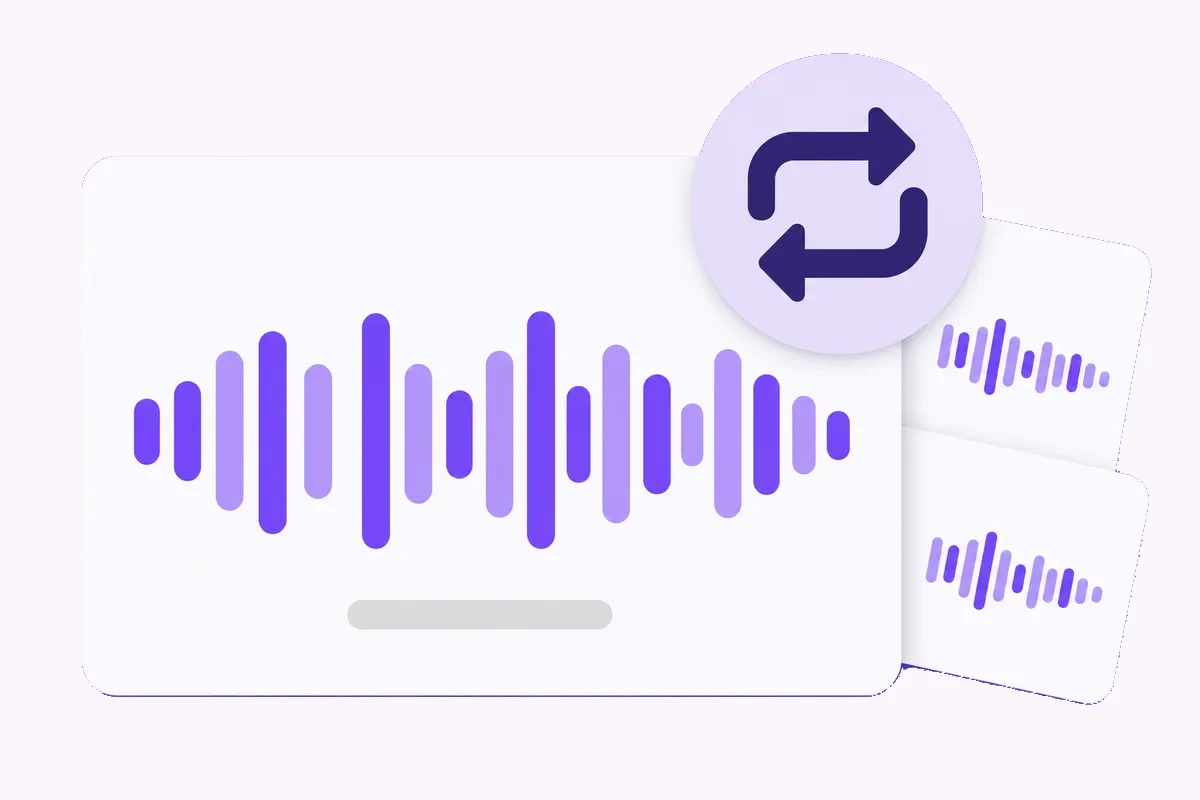
A new upload lands in one place you can plan for: the Following feed of the people who already follow you, in the order things were posted. SoundCloud has other surfaces, a Discover tab among them, and what lands there is not something another account can hand you. The repost is the exception. One person presses one button and your track is copied onto their profile and into the feed of everyone who follows them. It is the distribution one other person can hand you, and it is also the one row on your track page you are not permitted to touch yourself. Here is how the mechanism behaves and where it stops working.
One press, two placements, two lifespans
SoundCloud describes the button in one sentence: click repost below any track or playlist to add it to the top of that profile, and share it to the Feed of that account's followers. One press, two jobs, and the two age at different speeds. The feed entry sits in a reverse chronological list and slides down as everything else gets posted.
The profile entry stays until somebody removes it, and SoundCloud's privacy page is blunt about that: your reposts are among the things always publicly visible on your profile, with no setting to hide them. Taking one back is a click on the orange repost icon and then Delete repost. Playlists work the same way, so a compilation carries your track with it. A caption can travel with a repost too, up to 140 characters including spaces, and it shows in the followers' feed rather than on the profile page.
The one row on your page you are not allowed to move
SoundCloud puts it plainly: you cannot repost your own track, and you cannot add reposts to your Spotlight. Read the short row under your waveform again with that in mind. Plays, likes, comments and reposts sit inches apart, and only one of them is impossible to produce from your own account. Even the play counter excludes you, since Insights does not count plays from your own profile.
Spotlight is what the platform gives you for your own page instead, an Artist and Artist Pro feature pinning up to five of your tracks or playlists to the top, with reposts kept out of it. That is why the repost row reads differently to anyone assessing your page. A play says somebody arrived. A repost says an account with its own followers agreed to put your record in front of them.
The feed keeps one copy of a track, and the newest repost wins
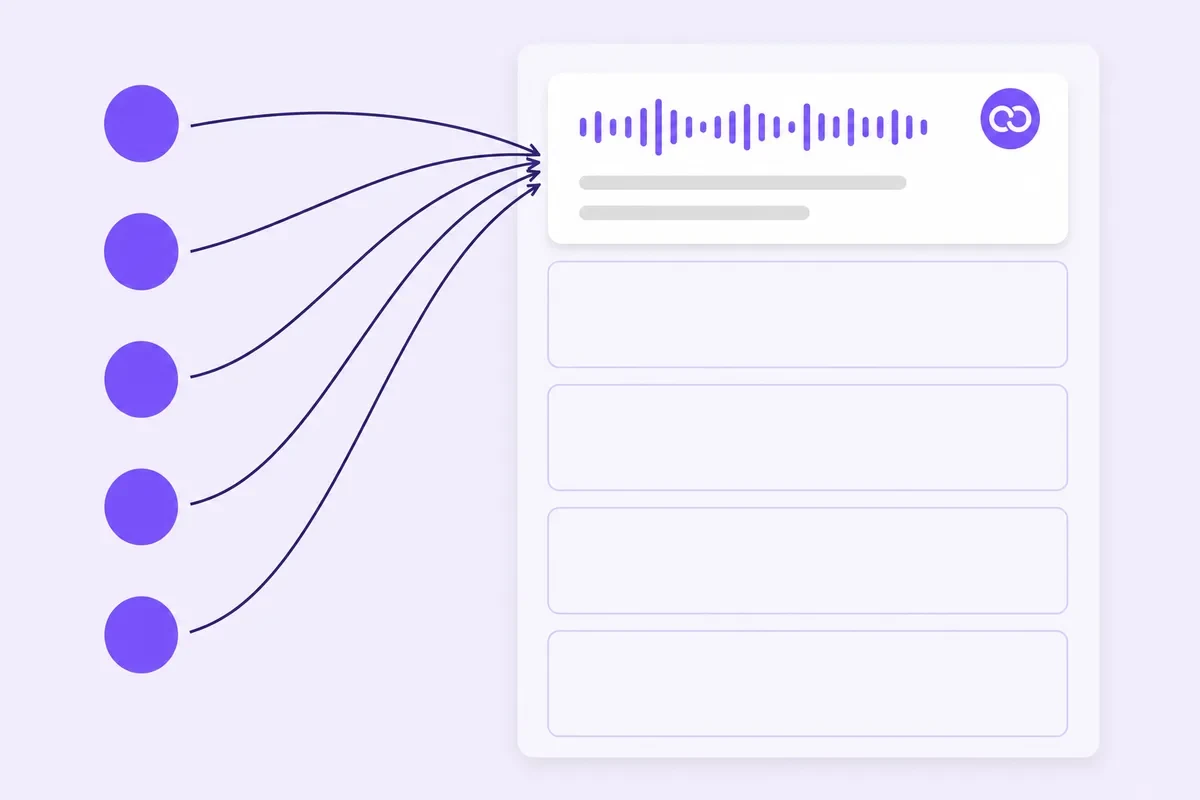
This is the rule that quietly ruins coordinated pushes, and SoundCloud states it on two of its own pages. Only one post or repost of a specific track can appear in the Following feed. A track starts out posted by whoever uploaded it, and when someone you follow reposts it, that repost goes to the top and erases the earlier entry for the same track further down.
Five accounts repost you inside the same hour, and a listener following three of them does not get three chances. They get one entry, from whichever repost landed last. Reposts from overlapping audiences collapse into each other. Separate followings do not.
There is no bumping either: a track can be reposted once per account, and editing the caption will not repost it again or resurface it. So the useful shape is not a same hour push but a few asks spread over days, aimed at rooms that do not already share the same people.
The only escape from a feed is unfollowing, which cuts both ways
Ask what a listener can do about reposts they do not want, and SoundCloud's answer is short. To stop seeing tracks or reposts from an account you unfollow it, which clears all of that account's tracks, reposts and playlists out of your feed at once.
There is no way to remove an individual item, and no setting that keeps somebody's uploads while filtering their reposts away. Two things follow, pointing opposite ways. In your favour: nobody is quietly muting the placement you worked for, so if the follower still follows the reposter, your track is in front of them. Against you as a reposter: the people following you have no small correction available, only the big one.
A profile stacking four reposts in a row and none of its own music asks followers to choose between the reposts and the artist. Keep your own reposting sparse, and remember when you ask that you are asking somebody to spend the same credit on you.
Make the track repostable before you ask anybody
A private upload cannot travel. SoundCloud's private sharing works through a secret link, a track address with a token on the end that makes it unsearchable and unguessable, which lets the people you send it to hear the track but leaves nothing public for anybody to file on their own page. Switch the track to public before the first message goes out.
Then the parts that decide whether the answer is yes. A repost is public on their profile and stays until they delete it, next to their own uploads, so you are not asking for a share. You are asking somebody to file your record where their audience judges them for it. Artwork that reads at thumbnail size. A title without version notes bolted onto the end. A genre tag that matches the record. And one link with one line about why it fits that person's feed, sent to accounts you genuinely listen to.
Reading the repost row afterwards
Insights carries reposts next to plays, likes, comments and downloads, over a default window of the past 30 days. Two details keep you from misreading it. The Insights Overview page runs on GMT, so a repost landing late in your evening can show on the day either side of the one you expect.
And individual track Insights update every 24 hours, which makes the evening of a repost the wrong moment to judge it. Artist Pro sharpens the picture: your top fans, the countries and cities playing the record, and a sources list saying whether plays arrived through the SoundCloud app, a specific playlist or an external site. Write down each repost with its date, then read the plays across the seven days after it. A large account whose repost moved nothing had a thin overlap with your genre. A smaller one that brought comments and follows earns the next release first.
What SoundCloud says about paying for reposts, said plainly
This shop sells reposts, so you should hear the rule from us rather than find it later. SoundCloud's help centre states that any service offering to sell social interactions on the platform is strictly prohibited, and it names services that charge users to repost content onto another profile. It says artificial inflation with banned services risks permanent suspension and the loss of your account and content.
And SoundCloud's page on dropping counts describes what removal looks like from your side: its Trust and Safety team clears out spam accounts in batches, and when an account goes, the likes, reposts and comments it made go with it.
Nobody outside SoundCloud can tell you a bought row will still be there in six months. What we sell is SoundCloud reposts, rungs from 20 up to 20,000 against one public track address, divisible across as many as 100 tracks provided none takes fewer than 20. It moves a figure. It does not do the thing this guide is about, which is a specific account with your listeners deciding your record was worth its page.
If you order anyway, here is what happens
You paste the public soundcloud.com address of the track. SoundCloud is one of the platforms where our link check resolves the address and hands the upload back to you, so a wrong link is caught before any money moves, though the check cannot tell you a track has since been made private or taken down.
Payment is card or cryptocurrency, chosen at checkout. The whole quantity lands in one run. The order page then shows your order ID as the heading, one status out of Payment pending, Processing or Delivered, the payment method and its state, the total, and beside each item the product name, quantity, the address you pasted, the price and its own badge.
No progress bar and no percentage. Where a service offers a refill, a count falling back within 30 days of delivery is topped up again at no charge against the order ID.
SoundCloud plays share the row with reposts and get read against them, which is the comparison this guide is about. A listener who stays curious opens the artist page next, where SoundCloud followers is the line waiting for them.
All four counters sit together on the SoundCloud hub, priced side by side. Anything unclear goes to support@mrfollows.com, answered within 24 hours.
Quick checklist
- Switch the track to public before the first message goes out, since a secret link cannot be reposted onto a public profile.
- Pick accounts whose followers do not already overlap, because the feed keeps only one copy of a track.
- Spread the asks over several days, and remember a track can be reposted only once per account.
- Fix the artwork, title and genre tag first, since the repost sits publicly on somebody else's profile until they delete it.
- Write one specific line per account about why the track fits their feed.
- Log every repost with its date and read the plays across the seven days after it.
Frequently asked
Do reposts count as plays on SoundCloud?
They are two counters fed by two events, and Insights reports them separately. A repost places the track into feeds and onto a profile. The play counter moves only when somebody presses play, and your own plays are excluded from your totals. So a track can sit in a great many feeds and finish the week on a modest play count. The repost figure counts chances given, not chances taken.
Can I repost my own track to push it again?
No. SoundCloud states that you cannot repost your own track, and that reposts cannot go into your Spotlight either. Pin it to your Spotlight instead, which is the top-of-profile slot the platform leaves you for your own uploads. Use that for the record a visitor should hear first.
Several people reposted me at once and almost nothing happened. Why?
Because the Following feed shows one post or repost of a specific track and no more. The newest repost goes to the top and erases the earlier entry for the same track further down, so anybody following two or three of your reposters saw one item rather than three. The reposts were spent on the same room at the same moment. Space the asks, and aim at separate audiences.
Is buying SoundCloud reposts against the rules?
Yes, and blurring that would be dishonest. SoundCloud's help centre calls services that sell social interactions strictly prohibited, names charging to repost content specifically, and says artificial inflation risks permanent suspension and the loss of your account and content. Its Trust and Safety team also removes spam accounts in batches, and the reposts those accounts made go with them. We sell the service, we state the rule, and the risk sits with the account owner.
How many reposts should a track carry?
Read the row rather than the number alone. A visitor reads the repost figure against the play figure standing right beside it, and a repost row running far ahead of the plays is the mismatch they notice first. Our smallest step is 20, and that is where to start if you order at all. If what you want is people hearing the record rather than a taller row, the repost worth having is the one you asked a real account for.
Sources
- SoundCloud Help: repost tracks and playlists
- SoundCloud Help: your Feed and how it works
- SoundCloud Help: hiding or removing other users' tracks
- SoundCloud Help: add and manage captions on reposts
- SoundCloud Help: anatomy of SoundCloud
- SoundCloud Help: manage privacy for your profile and content
- SoundCloud Help: sharing a private track or playlist
- SoundCloud Help: Insights on SoundCloud
- SoundCloud Help: individual track Insights
- SoundCloud Help: using or charging for promotional services
- SoundCloud Help: follower count suddenly dropping
Checked 2026-09-05
Put it into practice
Services this guide applies to.