What a LinkedIn connection count signals to a buyer
The 500+ line still carries weight, though not for the reason most people assume. What a recruiter or a buyer actually reads into a connection count.
 By Milan Horváth
A recruiter opens your profile a few minutes before the call, and the line under your name is one of the first things on screen. LinkedIn stops printing an exact figure once you pass 500, so the number people work hardest to grow is the one a stranger can no longer see. Here is what that line still says, where it stops saying anything, and what somebody reads instead.
The count goes blank at 500 and stays blank
LinkedIn is explicit about this in its own help centre: once a member is past 500 connections the profile reads 500+, and the exact number is not shown above that. Somebody on 512 and somebody on 9,000 look identical to a visitor. Below 500 the figure is exact, so the difference between 47 and 312 is visible to anyone who opens the profile.
Above 500 it is a threshold rather than a score. The same help page adds a second wrinkle. The total in the profile overview and the number of names a visitor can actually count in your connections list are not the same figure, because privacy and contact settings decide who shows up in that list at all. So even the count somebody could tally by hand is not the count you have.
Connections are mutual, followers are not, and the cap is 30,000
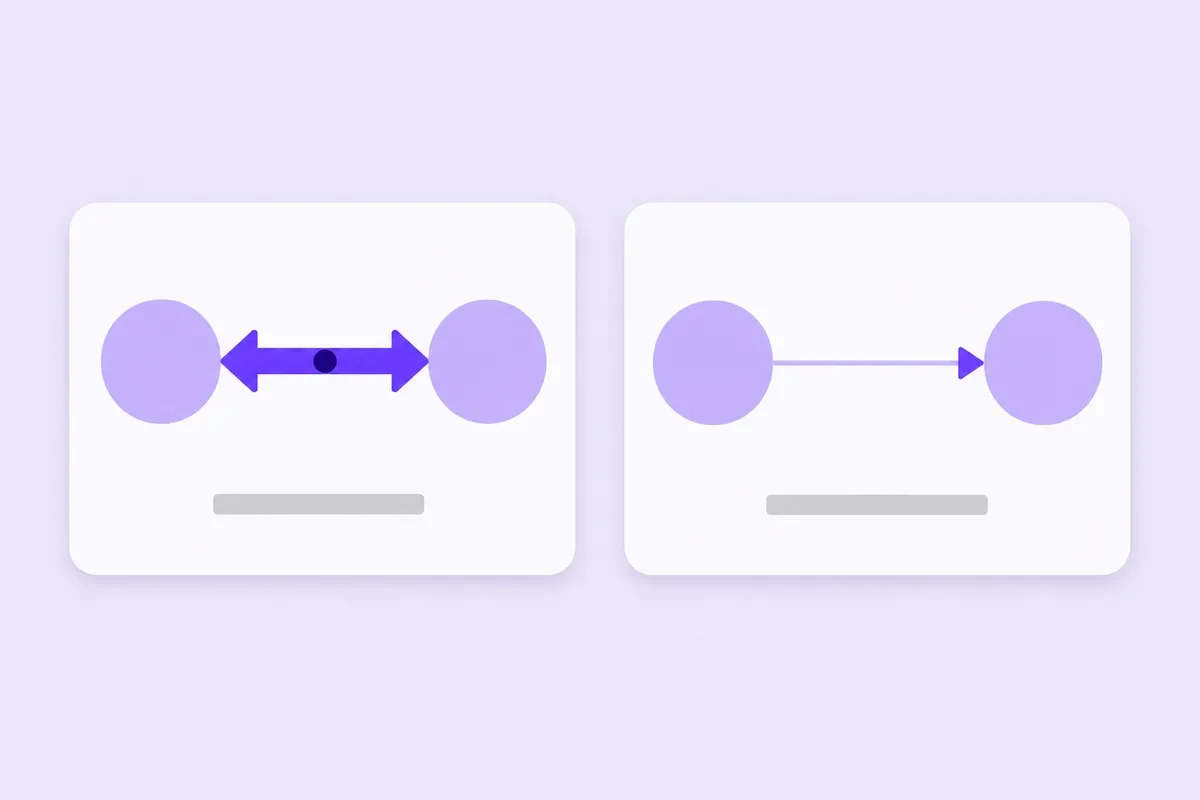
A connection is agreed twice, once by whoever sends the invitation and once by whoever accepts it, and LinkedIn caps first degree connections at 30,000 per member, in its own words to keep the site working properly. A follower is one way. Somebody chooses to see your public posts in their feed, nobody has to accept anything, and there is no ceiling on it.
LinkedIn keeps the two as separate actions, so the follower line is still moving long after the connection count has frozen at 500+. Which button a visitor meets first is also yours to set. LinkedIn lets a member make Follow the main profile action, which gives a reader who likes your posts a way to subscribe that spends neither of your connection slots, and that matters more the closer the cap comes. On a company page the question does not arise at all, because a page has followers and nothing else.
What a stranger reads once the number goes quiet
Degree and shared names, in that order. Your profile tells a visitor whether you are a first, second or third degree contact, and it names the people you both know. Two shared names give a reader something no count can: a person they already know who could be asked about you. Degree also decides what they are able to do next. LinkedIn limits how much of a profile is visible to members outside your three degrees, and reaching somebody out there can mean spending an InMail rather than sending a message.
After that the reading is human and quick: the headline, the current role, whether the most recent activity is from this year. Set two candidates side by side. One reads 500+ and has posted nothing since 2022. The other has 300 connections, a headline that says plainly what they do, and a comment from last week under a post everyone in the field read. The second one gets the message.
The number nobody can sell you
This is the part worth saying plainly. A connection is not something this shop can sell you. It is an agreement between two accounts, and no outside order can make somebody accept an invitation on your behalf. Our catalogue reflects that: the LinkedIn hub carries two items and no more, followers and post likes, and connections are not among them.
If your question is how to raise the connection count itself, the honest answer is that there is nothing here to buy, and the work is invitations to people who actually know you. It is also worth reading LinkedIn's own community policies before you plan anything clever. They ask members to use a true identity and not to arrange engagement between accounts in advance, and nobody can promise you that a count of any kind survives whatever enforcement LinkedIn decides to run. Any shop that tells you otherwise is telling you something it cannot know.
What a thin network actually costs you
The connection list is not a trophy shelf, it is the wiring behind everything else on the profile. Second and third degree paths are built out of your own first degree contacts, so a short list quietly shrinks two things at once: the number of searches you turn up in, and the number of profiles that show a name in common with yours.
A short list also pushes more readers out past the third degree, where that InMail is a budget line for a recruiter and a reason to write to somebody easier to reach. That is a real argument for a bigger network. It is not an argument for volume. A hundred contacts inside your own field put you inside the searches your field runs. A thousand collected at random put you inside nobody's.
Invitations, and the ways LinkedIn slows them down
There is a speed limit, and it is not published as a single number. LinkedIn's help centre lists what triggers a restriction on sending invitations: too many sent in a short stretch, too many sitting ignored or pending, invitations marked as spam by the people who got them, and activity that looks like it came from an automation tool.
Most restrictions lift on their own within a week, and the version that comes from having a pile of outstanding invitations can mean waiting up to a month. The advice attached to it is LinkedIn's own, not ours: invite people you know and trust, and put a line in the request explaining how you know them. Ignored and pending invitations are what the restriction counts, and that line is LinkedIn's own suggestion for keeping the pile small. So send in small batches and write it every time.
Where a follower line does honest work
There is one place on LinkedIn where an audience number is doing all of the talking, and that is a company page. No connection count sits beside it, no degree is shown, no mutual names appear. A visitor gets the logo, the description and the follower figure, and decides from that whether the page is a going concern or a placeholder.
If that is the gap you are trying to close, LinkedIn followers go to one public address per step, in rungs from 100 to 10,000. If the gap is under the posts instead, an empty reaction row on work that took a week to write, LinkedIn likes fill that row on a public post, from 20 upward, and one step can be divided over as many as 50 posts. Neither of them writes a comment, and neither of them raises the connection line beside your name.
If you do order, what actually happens
You paste the public address: the /in/ link for a profile, the /company/ link for a page, the post link for likes. Worth knowing before you paste: on LinkedIn our link check only confirms the address is well formed. It does not open the account, so a post that has been deleted, or one sitting behind a private profile, passes the check and then fails where it matters.
From there it is one run rather than anything spread out, and the order page shows your order ID as the heading, one status out of Payment pending, Processing or Delivered, the payment method and its state, the total, and then each item with its product name, quantity, the address you pasted, the price and its own badge.
Payment is card or cryptocurrency, chosen at checkout. Where a service offers a refill, a count that falls back inside 30 days of delivery is topped up again at no charge, and how it works walks the same path in order. Anything unclear goes to support@mrfollows.com, answered within 24 hours.
Quick checklist
- Stop tracking the connection count once your profile reads 500+, because from that point no visitor can see it move.
- Spend connection slots on people you could message for a favour, and set Follow as your primary button so everyone else can subscribe without one.
- Send invitations in small batches, and write one line in each saying where you know the person from.
- Open My Network, then Manage and the Sent tab, and if the pending pile is growing, rewrite the note instead of sending more invitations.
- Before a call, open the other person's profile and read the mutual contacts it lists.
- Check any link you plan to paste while logged out of LinkedIn, because a format check cannot tell you a post is private or gone.
Frequently asked
How many connections do I need to look credible?
The question assumes a visitor can read the figure, and past 500 nobody can. What they can read is who you both know and how recently you were active. If you changed industries recently and the list still looks like the old job, a recent post or a featured link explains that far better than volume ever will.
Can people see my exact connection count?
Not above 500. LinkedIn shows 500+ on the profile and does not print the exact number beyond that, while your own account still counts the list for you. Your settings also control whether visitors can browse your connections at all, and LinkedIn notes that the total on the profile and the names somebody can actually see in the list will often disagree for exactly that reason. Follower counts are shown as they are, with no rounding and no cut-off.
Should I accept a request from somebody I have never met?
A former colleague's manager sends you an invitation and you have no memory of the person. Accepting costs one of your 30,000 slots and pulls their whole network into your second degree, which is usually worth it. The ones to decline are accounts with no history, no shared contacts and a headline that reads like an advert, since a first degree connection also gets whatever your contact details are set to show.
Do recruiters filter candidates by connection count?
Nothing in the search tools turns a connection count into a filter, and past 500 there is no exact number left to filter on in any case. Where the figure can register is the human read at the end, when somebody opens the profile and decides whether writing to you is worth the effort. Even there, a candidate with two contacts inside the hiring company gets the message first.
Can I buy LinkedIn connections here?
You cannot, and the catalogue says so rather than quietly selling something adjacent. Connecting takes two people agreeing, one sending and one accepting, so nothing can be delivered to that line the way a follower is. What the shop sells for LinkedIn is followers, which are one way and need nobody's permission, and likes on a public post. If a site offers to raise your connection count, that is the moment to ask how.
Will a bigger follower number get my posts seen by more people?
Treat that as unknown, because nobody outside LinkedIn can see how the feed picks what to show, and any confident account of it is invented. What a follower figure does is visible and much smaller: it tells somebody landing on your profile or your page that other people are already there. Whether the post itself gets read is decided by the post, which is why the follower line is worth fixing before a launch and worth ignoring after it.